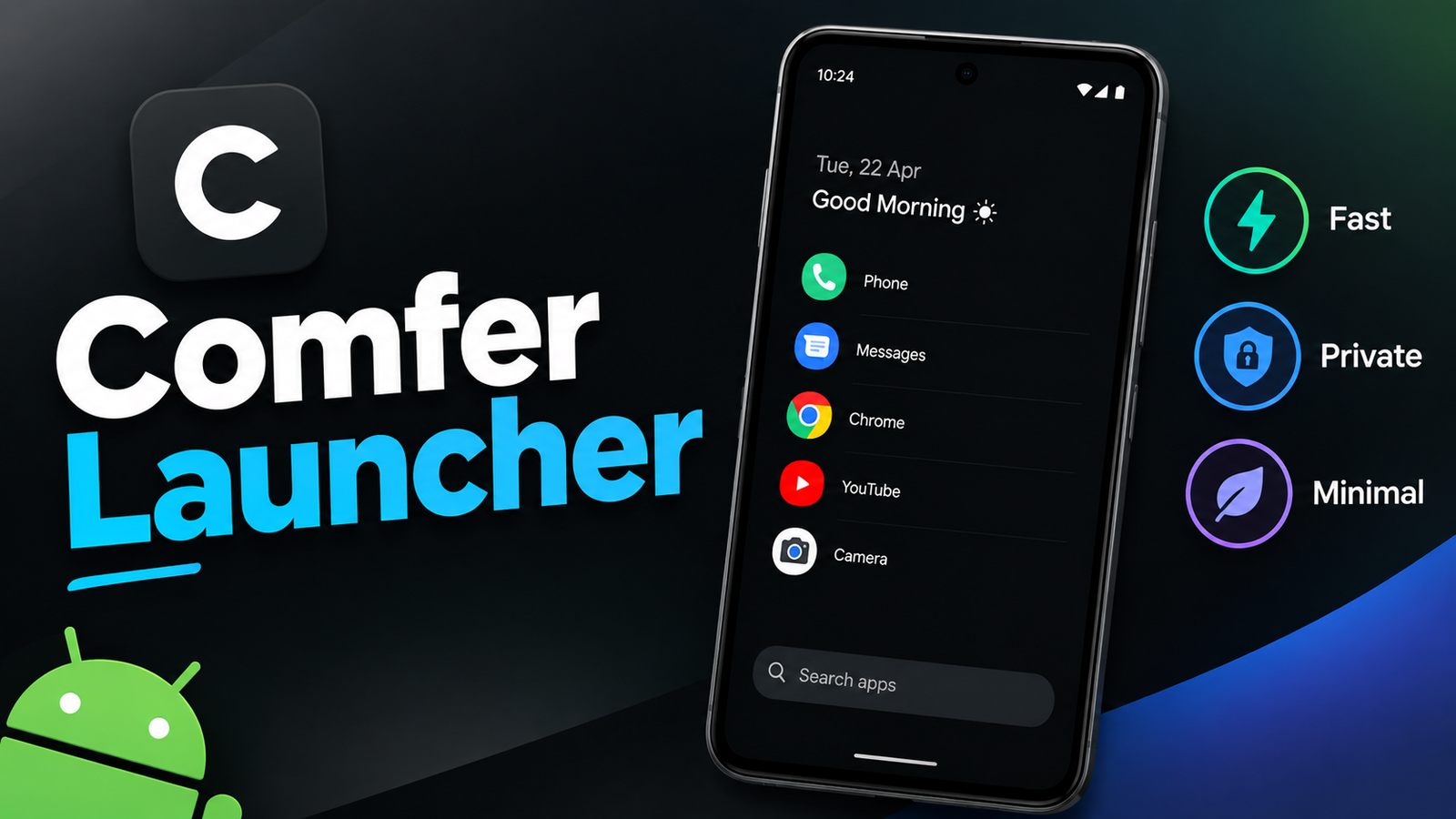
Android gives users plenty of options to customize the look and feel of their smartphones. However, having too many widgets, animations, shortcuts, and visual elements can sometimes make the home screen feel unnecessarily complicated. For users who prefer a simple interface, a lightweight launcher can offer a more focused experience.
Comfer Launcher is designed around this idea. It focuses on minimalism, quick access to apps, privacy, and a distraction-free interface rather than filling the screen with unnecessary customization options.
In this article, we’ll look at what Comfer Launcher offers, its main features, who may benefit from it, and some limitations you should know about before trying it.
Also read: Action Notch: Turn Your Phone’s Front Camera Area Into a Smart Shortcut
What Is Comfer Launcher?
Comfer Launcher is an Android launcher built for users who prefer a clean and straightforward home-screen experience. Instead of relying on complicated layouts and visual effects, it keeps the interface simple and emphasizes quick access to essential applications.
The minimalist approach can be particularly useful if you don’t want your home screen to be filled with widgets, icons, or other distractions.
Its overall focus can be summarized in a few areas:
- Minimal interface
- Quick app access
- Gesture-based navigation
- Privacy-conscious design
- Low visual clutter
- Simple everyday use
Rather than trying to replace every Android customization feature, Comfer Launcher takes a more focused approach.
Why Choose a Minimalist Launcher?
The default launcher on a smartphone may already provide everything you need, but not everyone prefers a traditional home-screen layout. Some users want fewer distractions and a simpler way to access their applications.
A minimalist launcher can help create that kind of environment.
For example, removing unnecessary visual elements can make it easier to locate frequently used apps. A simpler interface may also feel more comfortable for people who spend a lot of time studying, working, or trying to reduce unnecessary screen interaction.
Comfer Launcher follows this minimalist philosophy instead of focusing heavily on decorative customization.
Main Features of Comfer Launcher
1. Simple and Lightweight Interface
One of the main attractions of Comfer Launcher is its straightforward design. The launcher avoids filling the home screen with unnecessary elements and keeps navigation relatively simple.
This can be useful for people who prefer a clean appearance over a heavily customized Android interface.
The minimalist design can also make the launcher feel less overwhelming, especially for users who don’t need dozens of shortcuts or widgets.
2. Gesture-Based Navigation
Comfer Launcher uses swipe gestures to make common actions easier to access.
Depending on the configuration available in the launcher, gestures can be assigned to actions such as:
- Opening the app drawer
- Viewing notifications
- Launching specific applications
- Performing custom shortcuts
Instead of searching through multiple menus, users can perform certain actions with a simple swipe.
This can make everyday navigation quicker once you become familiar with the gestures.
3. Privacy-Focused Approach
Privacy has become an important consideration when choosing Android applications. Comfer Launcher is designed with a privacy-focused philosophy and aims to keep the launcher experience free from unnecessary data collection and distractions.
However, users should still review the application’s current privacy information and permissions before installation, as app features and policies can change with future updates.
Checking the official listing is always a good practice when privacy is an important factor.
4. Open-Source Design
Another notable aspect of Comfer Launcher is its open-source nature. Open-source software allows its source code to be inspected by developers and other members of the community.
This can provide greater transparency compared with software where the underlying code isn’t publicly available.
For privacy-conscious users, this can be an additional reason to consider the launcher.
5. Distraction-Free Experience
A busy home screen can encourage users to interact with their phones more frequently. Comfer Launcher’s minimal design takes the opposite approach by keeping the interface simple.
The result is an environment that may work particularly well for people who want their smartphone to feel more like a useful tool rather than a constant source of distractions.
Students, professionals, and people who prefer focused workflows may appreciate this approach.
What Does the Comfer Launcher Interface Look Like?
The interface follows a clean and uncomplicated design philosophy. Instead of emphasizing flashy animations or elaborate visual effects, it focuses on making essential applications easy to find.
Depending on the version and settings available, users may experience elements such as:
- Minimal home-screen layouts
- Text-oriented app access
- Simple navigation
- Reduced visual clutter
- A clean overall appearance
This design may not appeal to users who enjoy detailed icon packs, animated widgets, and extensive home-screen customization. But if you prefer a “less is more” approach, its simplicity can be one of its biggest advantages.
How to Install Comfer Launcher on Android
If you want to try Comfer Launcher, installation is generally similar to installing other Android launchers.
Follow these steps:
- Open the Google Play Store on your Android phone.
- Search for Comfer Launcher.
- Check the developer information, ratings, permissions, and latest app details.
- Tap Install.
- Open the launcher after installation.
- Follow the setup instructions.
- Set Comfer Launcher as your default launcher if you want to use it permanently.
The exact setup screens can vary depending on your Android version and smartphone manufacturer.
Who Should Use Comfer Launcher?
Comfer Launcher isn’t necessarily designed for every Android user. Its biggest appeal is for people who specifically want simplicity.
Students
Students who want fewer distractions while studying may appreciate a minimal home screen with quick access to only the applications they need.
Professionals
If you primarily use your smartphone for communication, productivity, and essential applications, a simpler interface can make everyday navigation feel more organized.
Privacy-Conscious Users
People who pay close attention to app permissions, tracking, and data practices may find the launcher’s privacy-focused approach interesting. It’s still important to review its current privacy policy and permissions before installing.
Users With Older Phones
A minimalist launcher may feel less visually demanding than a feature-heavy alternative, although actual performance depends on the device, Android version, and other applications running on the phone. It should not be assumed that installing a launcher alone will dramatically increase performance.
Limitations to Consider
The minimalist approach also means that Comfer Launcher may not be suitable for everyone.
Some possible limitations include:
- Fewer customization options than feature-heavy launchers
- Limited emphasis on widgets and visual effects
- A simple interface that may take some time to get used to
- Certain features may depend on the Android version or launcher updates
If you enjoy creating elaborate home screens with custom icons, animations, widgets, and numerous shortcuts, you may prefer a more customization-focused launcher.
Is Comfer Launcher Worth Trying?
Whether Comfer Launcher is worth installing depends largely on what you want from your Android home screen.
If your priority is a clean interface, quick navigation, and fewer distractions, its minimalist design can be appealing. The gesture-based controls and privacy-oriented approach add to its overall appeal for users who prefer a simpler smartphone experience.
On the other hand, users who want extensive customization may find it too basic.
Before installing, check the latest Play Store listing for the current feature set, compatibility, permissions, and privacy information. This is especially important because launcher features can change through updates.
Official Play Store Link
Final Thoughts
Comfer Launcher takes a different approach from traditional Android launchers. Instead of focusing on dozens of customization tools and visual effects, it emphasizes simplicity, quick navigation, and a less distracting interface.
Its minimalist design, gesture controls, and open-source approach make it an interesting option for Android users who want to simplify their smartphone experience. It may be particularly appealing to students, professionals, and users who prefer a clean home screen.
However, the launcher isn’t ideal for everyone. If customization and visual effects are your main priorities, a feature-rich launcher may be a better fit.
For anyone looking to reduce home-screen clutter and make their Android phone feel more straightforward, Comfer Launcher is worth exploring.