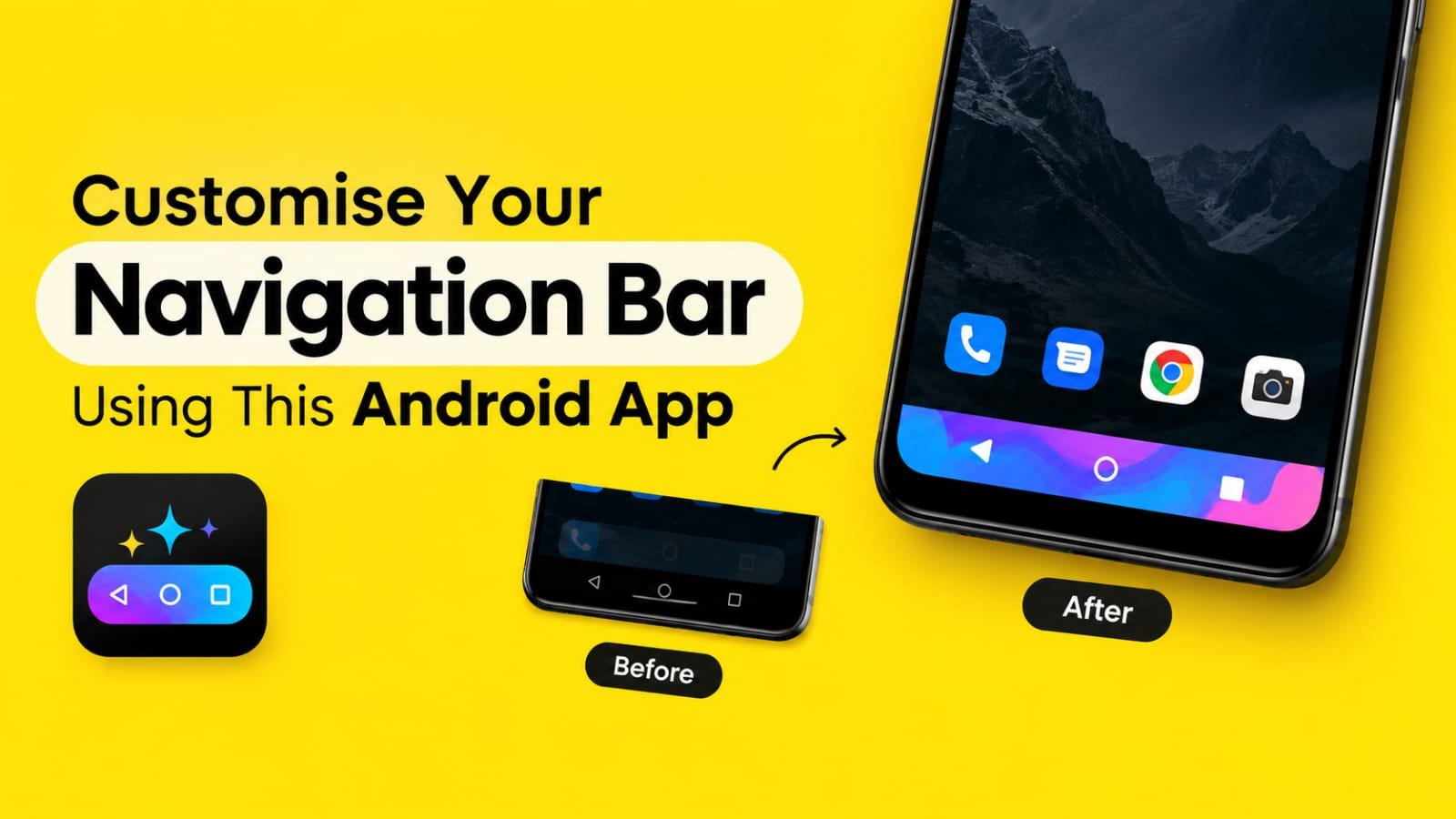
Customize Your Boring Navigation Bar Using This Android App
The navigation bar is one of those small parts of an Android phone that we use every day but rarely think about. Whether you use the Back, Home, and Recent buttons or gesture navigation, the bottom area of the screen usually looks the same.
After using the same phone for a long time, even small things like this can start feeling boring. If you enjoy customizing your Android phone, there is an app called Colourful Custom Navigation Bar that can make this simple part of your phone look much more interesting.
The app lets you change the appearance of your navigation bar with different colors, backgrounds, images, effects, and other customization options. You do not need to change your phone’s entire theme just to give the navigation area a new look.
What I like about this type of customization is that it does not completely change the Android experience. Your phone still works normally, but the navigation area gets a personal touch.
You can keep it simple with a solid color or try something more creative with an image, gradient, animation, or other available styles. This makes the app useful for people who like experimenting with the look of their Android phone.
Colourful Custom Navigation Bar App Review
Colourful Custom Navigation Bar is mainly designed for users who want more control over the look of their Android navigation bar.
When you first open the app, you get different customization options instead of being limited to the default navigation bar style provided by your phone. You can choose a color that matches your wallpaper or create a completely different look.
One of the useful things about the app is that you are not restricted to only one basic color. Depending on the available options and your device, you can use different visual effects and backgrounds to make the navigation area stand out.
For example, you can use a simple color if you prefer a clean look. If you want something more eye-catching, you can experiment with gradients, images, animations, or emoji-based designs.
The customization can also be useful when you create a specific theme for your phone. You can match the navigation bar with your wallpaper, icon pack, or overall home-screen setup.
The app is not really for users who want a major system-level transformation. It is more suitable for people who enjoy small details and want their phone to feel a little more personal.
One thing you should keep in mind is that the app may require Accessibility Service permission to provide some of its functions. Android uses this permission for certain features that interact with the navigation controls. Before enabling any permission, it is always a good idea to check what access the app is requesting and understand why it needs it.
Overall, if your main goal is to make the bottom part of your Android screen less boring, Colourful Custom Navigation Bar is an interesting customization app to try.
How to Use This App on Android Phone
Using the app is fairly simple, although the exact options can vary depending on your Android version and phone brand.
First, install Colourful Custom Navigation Bar on your Android phone and open the app.
After opening it, you may need to provide the required permission for the app to work properly. Follow the instructions shown inside the app. If Accessibility Service is requested, Android will take you to the relevant settings page where you can enable access for the app.
Once the required permission is enabled, return to the app.
You should then see the available navigation bar customization options. Start with something simple if you are using the app for the first time.
Choose a color and check how it looks at the bottom of your screen. If you want a more interesting design, explore the background or image options. You can also try gradients and other effects if they are available on your device.
Some users may prefer a minimal navigation bar that matches their wallpaper, while others may enjoy brighter colors and animated designs. There is no fixed style you need to follow.
After selecting your preferred design, apply the changes and use your phone normally. If the result does not look good, you can simply return to the app and try another design. This is probably the best part of customization apps like this. You can keep changing the appearance until you find something that suits your phone.
Colourful Custom Navigation Bar App Features
Custom Navigation Bar Colors
The basic purpose of the app is to change the look of your navigation bar. You can select different colors instead of always using the default system appearance.
Custom Backgrounds
If a plain color is not enough, the app provides options to make the navigation area more visually interesting with different backgrounds.
Image Support
Using an image can give your navigation bar a completely different appearance. You can choose a design that matches your wallpaper or personal style.
Gradient Effects
Gradient colors can make the navigation bar look smoother and more modern. You can experiment with different color combinations to create a unique appearance.
Animation Effects
For users who like moving visual effects, the app also offers animation-related customization options. These can make the navigation area feel more dynamic instead of static.
Emoji Customization
Another fun option is the ability to use emojis as part of the navigation bar design. It is not something everyone will use, but it can be interesting if you enjoy unusual Android customization.
Battery Display Options
The app also includes options related to displaying battery information around the navigation area. This can add another useful element to the design instead of keeping the navigation bar purely decorative.
Simple Personalization
The biggest advantage is that you can customize a small part of your phone without changing everything else. Your launcher, apps, wallpaper, and other settings can remain the same while the navigation bar gets a new look.
Conclusion
Colourful Custom Navigation Bar is a simple Android customization app for people who are tired of seeing the same old navigation bar every day.
It does not try to completely transform your smartphone. Instead, it focuses on one small area and gives you several ways to make it more personal. From colors and gradients to images, animations, and emojis, there are different options to experiment with. I think the app makes the most sense for users who enjoy customizing their Android phones and trying small changes that make the device feel different. If you prefer a completely stock Android experience, you may not find much reason to use it. For everyone else, especially Android customization fans, it is worth checking out. A small change at the bottom of your screen can make your phone feel surprisingly different.