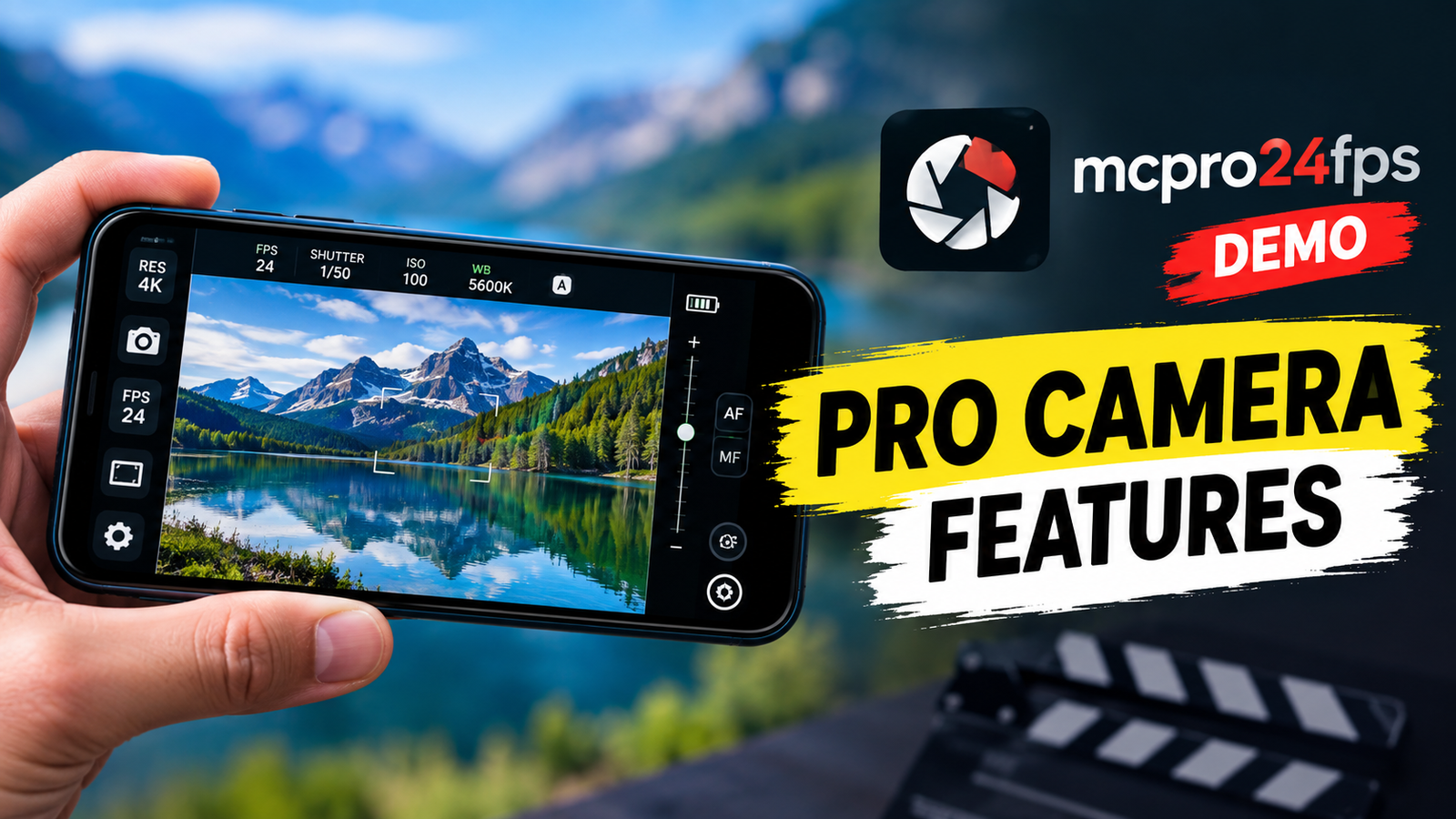
Smartphone cameras have become much more capable than they were a few years ago. Modern Android phones can offer impressive cameras, but getting the most out of that hardware often requires more control than the default camera app provides.
Also read: How to use iPhone Dynamic Notch Bar App?
This is where mcpro24fps demo comes into the picture.
mcpro24fps demo is the free version of the professional manual video camera app mcpro24fps. Instead of asking users to purchase the full application without knowing what their particular smartphone can support, the demo is designed to let them explore the available professional video features first.
The important thing to understand is that this is not a traditional free video-recording app. The demo allows you to explore the camera interface, settings, shooting modes, and advanced manual controls available on your device, but recording capabilities are disabled in the demo version.
So, if you are considering mcpro24fps and want to know whether it is suitable for your Android phone, the demo can be a useful way to explore the app before purchasing the full version.
What Is mcpro24fps Demo?
mcpro24fps demo is a free Android application created to demonstrate the professional video-shooting capabilities of the mcpro24fps camera app.
Its main purpose is simple: test the app on your smartphone before buying the full version.
According to the Google Play listing, the demo lets users check which shooting modes and options are available on their particular smartphone. It also provides access to the same camera interface and professional controls offered by the full app, with recording being the major limitation of the demo.
This approach can be particularly useful because camera capabilities can vary significantly between Android smartphones. A feature available on one phone may not necessarily be available on another because of differences in hardware, camera sensors, Android implementation, or manufacturer restrictions.
Why Should You Try the Demo Version First?
Buying a professional camera application without knowing how well it works with your smartphone can be frustrating.
The mcpro24fps demo is designed to reduce that uncertainty.
Before purchasing the full application, you can explore the interface and see what professional camera controls are actually available on your device.
For example, you can use the demo to:
- Check available shooting modes.
- Explore manual camera controls.
- Look through available settings and options.
- Understand the application’s interface.
- See which professional features are supported by your smartphone.
- Decide whether the full version is worth purchasing for your particular device.
This makes the demo more of a compatibility and feature-testing tool than a conventional free camera application.
What Features Can You Explore?
One of the biggest attractions of mcpro24fps demo is the number of professional controls that users can explore.
The developer describes it as a manual video camera designed around professional video shooting. The official website also presents mcpro24fps as a professional manual video camera application for Android.
Manual Camera Controls
Instead of relying completely on automatic settings, a professional camera application gives users more control over how the camera behaves.
Depending on the smartphone and its supported capabilities, users can explore different manual settings through the mcpro24fps interface.
This can be useful for people who want to learn more about smartphone filmmaking and understand how different camera settings affect video.
Professional Video Settings
The application is built around video rather than simply offering basic point-and-shoot photography controls.
The official website highlights advanced video-oriented functionality, while the demo allows users to see which options are available on their specific Android smartphone.
However, it is important not to assume that every feature will work identically on every phone. The demo itself exists partly because smartphone hardware and supported camera capabilities can differ.
Camera Interface
Another useful part of the demo is the opportunity to become familiar with the interface.
Professional camera applications can look more complicated than standard smartphone camera apps because they expose more controls.
If you are new to manual video recording, spending some time exploring the demo can help you understand where different controls are located before deciding whether to purchase the full application.
The Biggest Limitation: You Cannot Record Videos
This is probably the most important point to know before installing mcpro24fps demo.
The demo version does not provide recording capabilities.
The Google Play description specifically states that users get the functional camera features of mcpro24fps in the demo, except for recording.
That means you should not install the demo expecting to record a short sample video and compare the actual footage.
Instead, its purpose is to help you inspect the available controls and determine whether the application’s feature set is compatible with your smartphone.
This distinction is important because some users may expect a normal trial version that lets them record a few seconds of video. mcpro24fps demo works differently.
Who Is mcpro24fps Demo For?
The application can be useful for several types of Android users.
Smartphone Filmmakers
If you are interested in filmmaking with an Android smartphone, the demo can help you explore professional video controls before investing in the full application.
You can first examine the interface and available options on your device.
Content Creators
YouTubers, social media creators, and people who regularly shoot video on their phones may want more control than their default camera application provides.
The demo gives them an opportunity to explore the application before purchasing.
Video Enthusiasts
You do not necessarily need to be a professional filmmaker to experiment with manual video controls.
If you simply want to understand smartphone videography better, exploring a professional camera interface can be a useful learning experience.
Users Planning to Buy the Full App
This is arguably the main audience for the demo.
Rather than purchasing the full version immediately, you can install the free demo and check what mcpro24fps offers on your particular smartphone.
How to Use mcpro24fps Demo
Getting started is relatively straightforward.
Step 1: Install the Demo
Download mcpro24fps demo from Google Play.
The application is listed under the developer CHANTAL PRO SIA and is available as a free demo.
Step 2: Explore the Camera Interface
Open the application and spend some time understanding its interface.
Do not worry if it initially looks more complicated than your phone’s default camera app. Professional controls naturally require more options to be displayed.
Step 3: Check Available Features
Explore the different camera settings and shooting options shown by the application.
Remember that what you see can depend on the capabilities of your smartphone.
Step 4: Decide Whether You Need the Full Version
After exploring the available functionality, you can decide whether the full mcpro24fps application makes sense for your needs.
This is the key purpose of the demo: help you make an informed decision before purchasing.
Does mcpro24fps Demo Work on Every Android Phone?
The application is designed for Android devices, but that does not mean every phone will offer exactly the same features.
Smartphone manufacturers can place different restrictions on their camera hardware and software. Camera sensors, supported video formats, frame rates, processing capabilities, and other hardware-related factors can affect what a third-party camera application can access.
That is why checking the demo on your own phone is more useful than simply looking at a general feature list.
The Google Play description specifically emphasizes checking the availability of shooting modes and options on your particular smartphone.
Is mcpro24fps Demo Free?
Yes. The Google Play listing describes mcpro24fps demo as the free version of the professional mcpro24fps camera application.
However, free does not mean that it includes every function of the paid application. The most important limitation is that video recording is unavailable in the demo.
If you want to actually record videos using the full mcpro24fps camera application, you need the full version.
Things to Know Before Buying the Full Version
Before spending money on any professional camera application, it is worth considering a few things.
First, make sure the features you actually need are available on your smartphone.
Second, remember that an application cannot automatically overcome every hardware limitation of a phone. A powerful camera app can provide additional control, but the final capabilities still depend on the device.
Finally, give yourself some time to learn the interface. Professional camera applications can have a learning curve because they expose significantly more controls than basic camera apps.
The official mcpro24fps website also provides guides and tutorials for users who want to learn more about the application.
mcpro24fps Demo vs Full Version
The basic difference is easy to understand:
| Feature | mcpro24fps Demo | Full mcpro24fps |
|---|---|---|
| Free to install | Yes | No |
| Explore camera interface | Yes | Yes |
| Explore available settings | Yes | Yes |
| Check device-supported features | Yes | Yes |
| Professional manual controls | Available for exploration | Available |
| Video recording | No | Yes |
| Intended purpose | Test before purchase | Full video shooting |
The demo is therefore best viewed as a test version for your specific smartphone, rather than a free replacement for the full application.
Is mcpro24fps Demo Worth Trying?
If you are interested in professional smartphone videography and are considering buying mcpro24fps, trying the demo first makes sense.
Its biggest advantage is that you can explore the application on your own device instead of relying only on general specifications.
At the same time, you should understand its limitation: you cannot record footage through the demo. If seeing actual recorded output is essential to your decision, the demo alone cannot provide that experience.
For users who mainly want to investigate the interface, controls, and supported options before making a purchase, however, the demo can be a practical first step.
Final Verdict
mcpro24fps demo is designed for Android users who want to explore the professional features of mcpro24fps before purchasing the full camera application.
Its purpose is not to provide a free unlimited video recorder. Instead, it lets you examine the professional camera interface, explore available manual controls and shooting options, and determine what your particular smartphone supports.
The biggest limitation is clear: you cannot record videos using the demo version.
If you are considering mcpro24fps for smartphone filmmaking, installing the demo first can help you understand whether its controls and features match your expectations. Once you have explored everything available on your device, you can make a more informed decision about purchasing the full version.
Frequently Asked Questions
1. What is mcpro24fps demo?
mcpro24fps demo is the free demonstration version of the mcpro24fps professional manual video camera app for Android. It lets users explore the application’s features on their smartphone before purchasing the full version.
2. Can I record videos with mcpro24fps demo?
No. The demo version does not include video recording capabilities. It is intended to let users explore the camera controls, interface, and available features before purchasing the full application.
3. Is mcpro24fps demo free?
Yes. The Google Play listing describes it as the free version of mcpro24fps. The full application is a separate paid product.
4. Does mcpro24fps demo work on all Android phones?
The application is available for Android, but the available camera features can depend on the particular smartphone. The demo is specifically intended to help users check which shooting modes and options are available on their device.
5. Who should use mcpro24fps demo?
It can be useful for smartphone filmmakers, video creators, enthusiasts, and anyone considering purchasing the full mcpro24fps application.
6. What is the main difference between the demo and full version?
The demo allows users to explore the professional camera functionality but does not allow recording. The full version provides the recording capability needed for actual video shooting.
7. Where can I learn more about mcpro24fps?
You can visit the developer’s official mcpro24fps website for additional information, guides, and resources about the application.